

Comparison
WordPress vs. Webflow
A short comparison of two website platforms. Placeholder for testing the Index architecture — not a final recommendation.

WordPress and Webflow can both carry a serious website. The choice is about editing, complexity and where the design should live — not about which platform “wins”.
When WordPress makes sense
WordPress is the right track when the content needs to grow, several editors work in the site, or there is a need for integrations and custom features.
- Mature CMS with a broad ecosystem
- Good for editorial work over time
- Requires more technical discipline if the site is to stay fast
When Webflow makes sense
Webflow is strong when design control should sit close to the layout, and the site is contained enough to live in a visual CMS.
Editors and design control
Webflow gives precise visual control. WordPress gives more freedom in the data model. For most B2B sites, the content and the process — not the tool — decide the result.
Quick comparison
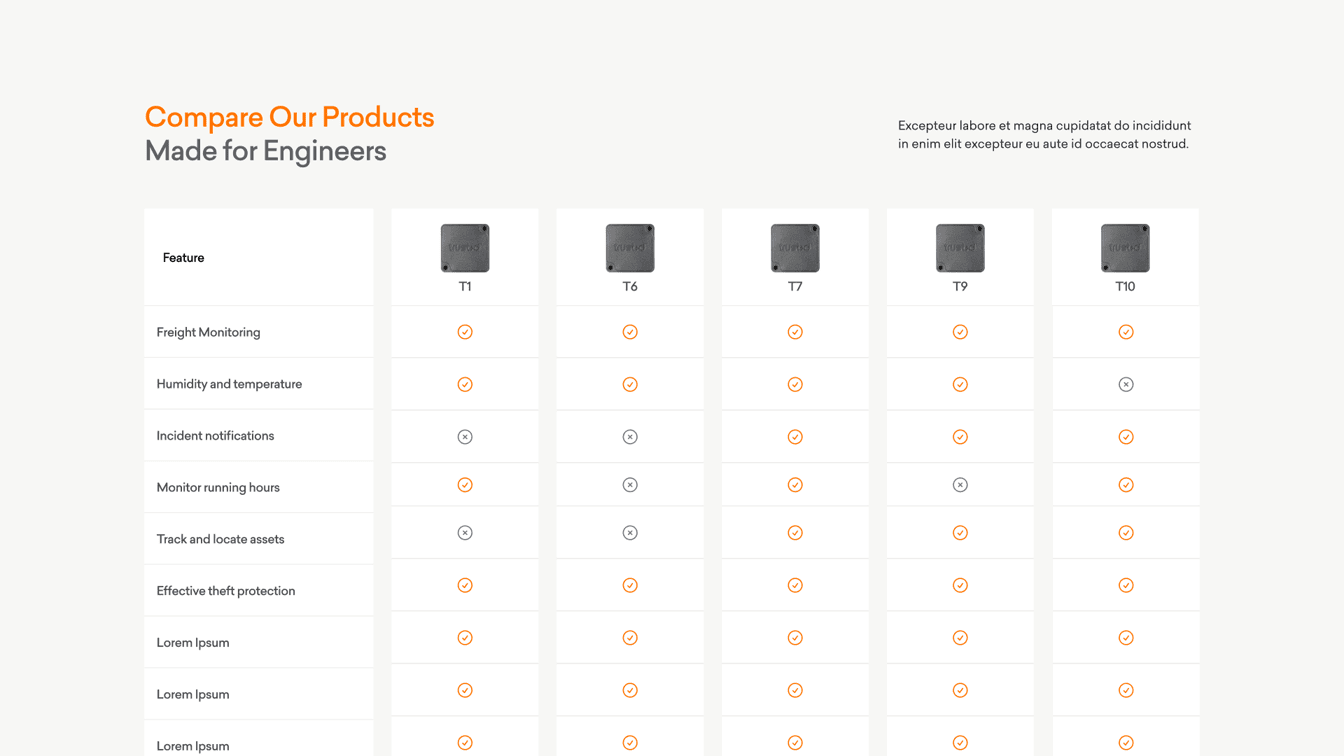
| WordPress | Webflow | |
|---|---|---|
| CMS | Mature and flexible | Visual and more closed |
| Design | Implemented in code/theme | Built directly on the canvas |
| Editors | Strong for ongoing content | Strong for contained sites |
| Complexity | Scales to custom features | Best when scope is contained |
This is a short framework, not a final platform recommendation. The right solution depends on content, editors and ambition.
Read also how much a website costs and see the website service.